
Apr
How to Stop the Massive Headache: Protect Your Data, Money, and Privacy Online
We have all seen it happen. You get a weird, messy message from a friend at 3:00 AM on Messenger. The next day, they post: “Sorry everyone, I was hacked!” Most of the time, they weren’t actually “hacked” by a genius. They were just drunk and emotional, or they used a password that was way too easy to guess.
But here is the real problem: when a real bad guy gets into your accounts, they don’t just send silly messages. They lock you out, steal your photos, nose around in your business, and can even take your money. It is a massive headache that can take months to fix.
To make sure this never happens to you, you should consider a “Double-Lock” system.
The Two-Key Rule
Think of your password like the key to your front door. If a bad guy steals that key, they are inside your house.
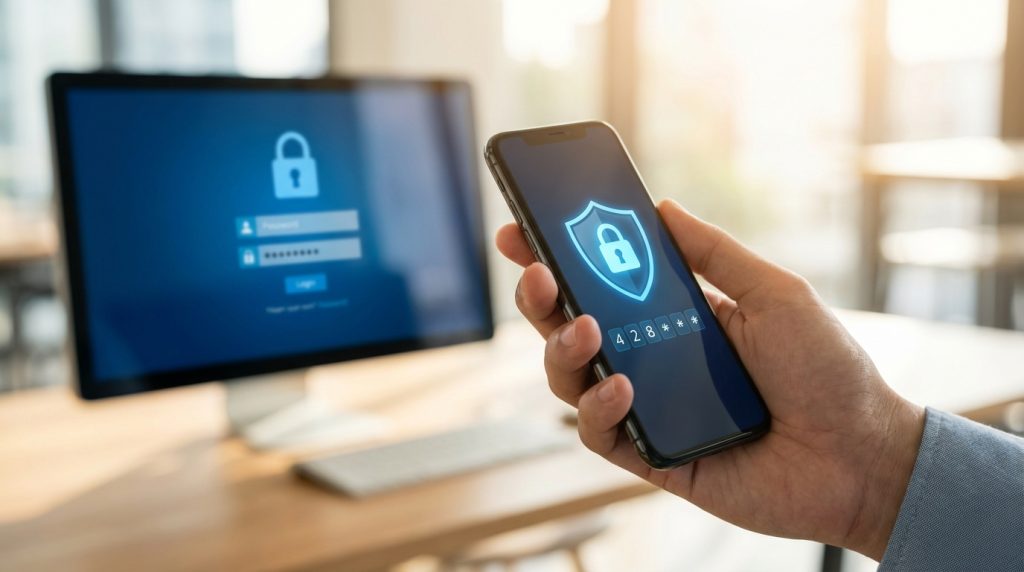
A “Double-Lock” (also called 2-Factor Authentication) is like adding a second bolt to the door. This second lock needs a special code that only lives on your phone. Even if a hacker guesses your password, they hit a wall because they don’t have that second code.
Why You Should Consider Using Authy
You can use any app you want, but I suggest looking at Authy. It’s like a free security guard for your digital life. Here is why it works for normal people:
- The Code Changes Every 30 Seconds: The app gives you a 6-digit code. Every 30 seconds, it disappears and changes to a new one. It’s a moving target that a hacker can’t catch.
- It is 100% Free: You don’t have to pay a penny to keep your data and money safe.
- Easy to Move: If you get a new phone, Authy makes it very easy to move your “digital keys” over. Other apps make this very hard.
- Works Anywhere: You don’t need a phone signal or Wi-Fi to get your code. It works even if you are offline.
How I Use It to Protect My Business
I don’t just talk about this—I use it every single day. I use this app to double-lock everything that matters, including:
- My Money & Business: My website hosting, my servers, and my bank logins.
- My Identity: My Google accounts and YouTube channels.
- My Socials: My TikTok, Instagram, and Facebook accounts.
The Choice is Yours
I am not forcing you to use this. You are in charge of your own life. You can keep using just one password and hope for the best, or you can spend 5 minutes setting up a “Double-Lock” so you never have to deal with the nightmare of losing your privacy or your money.
It’s a simple choice: Protect your life or stay at risk. I suggest you choose protection.